APPOINTMENT MANAGEMENT FOR CONTACT FORM 7
£0
£29 / Year (or £2.99 / Month)
Free
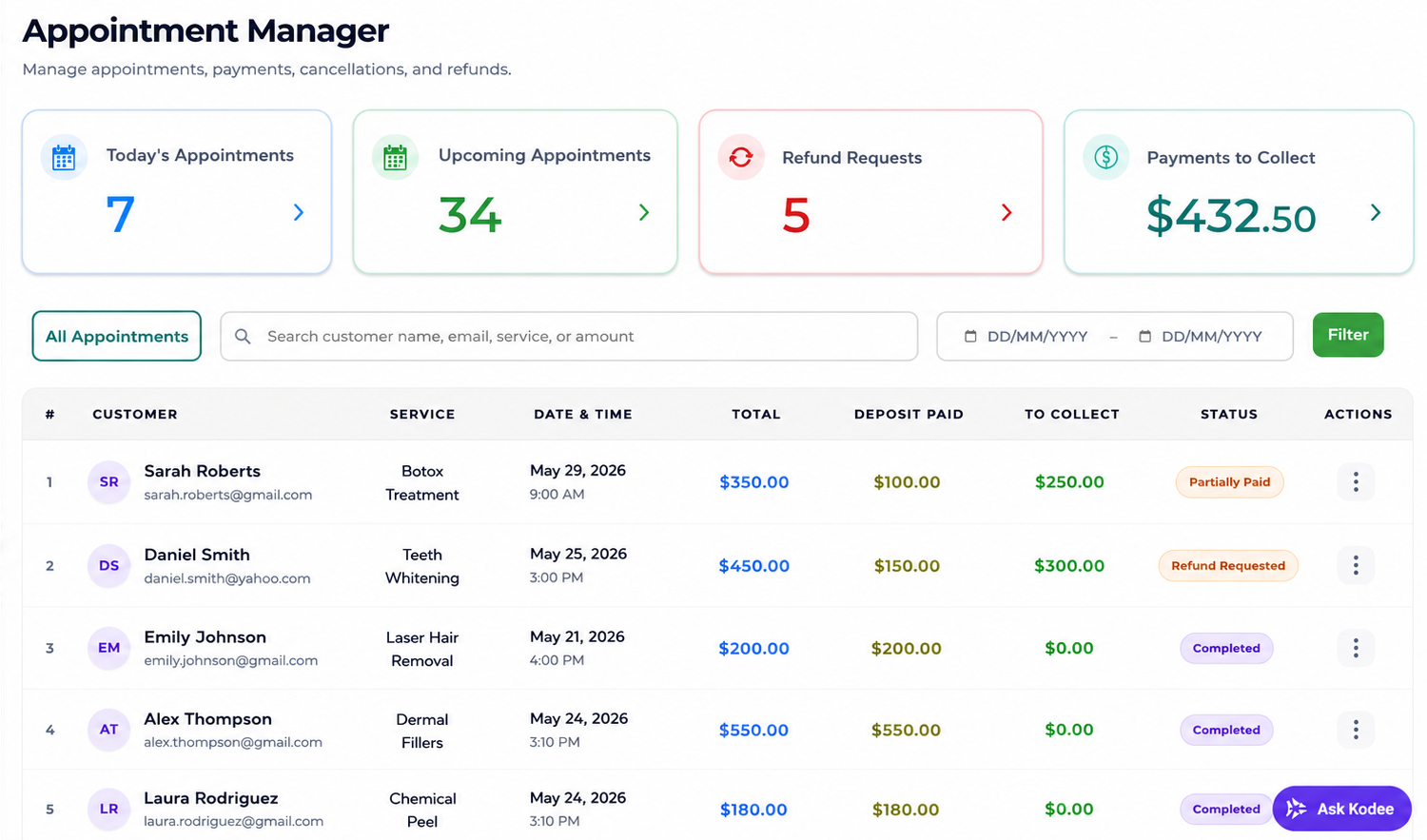
Manage appointments, schedules, payments and refunds.
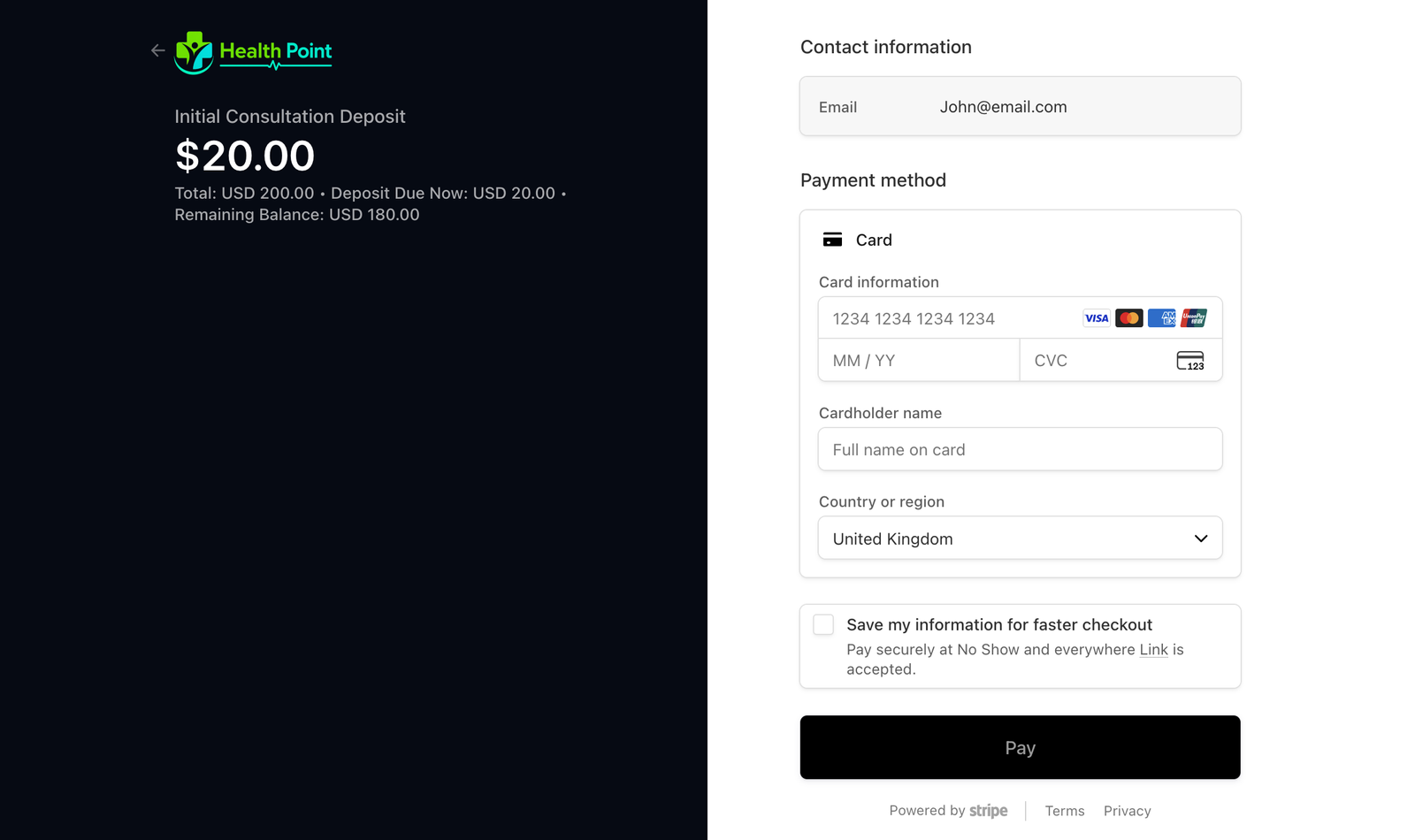
Collect deposits before customers book your time.
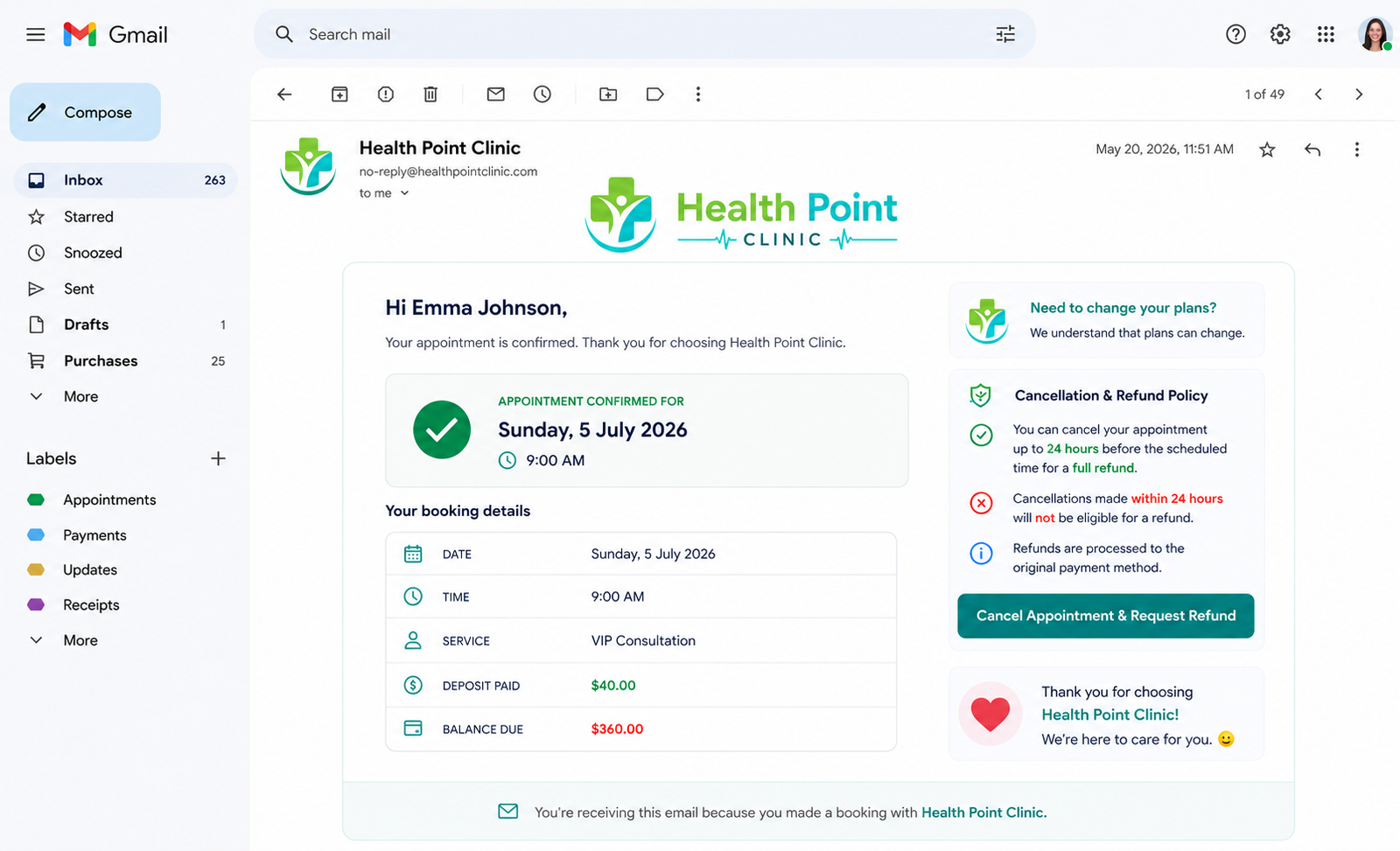
Send booking confirmations, reminders & updates.
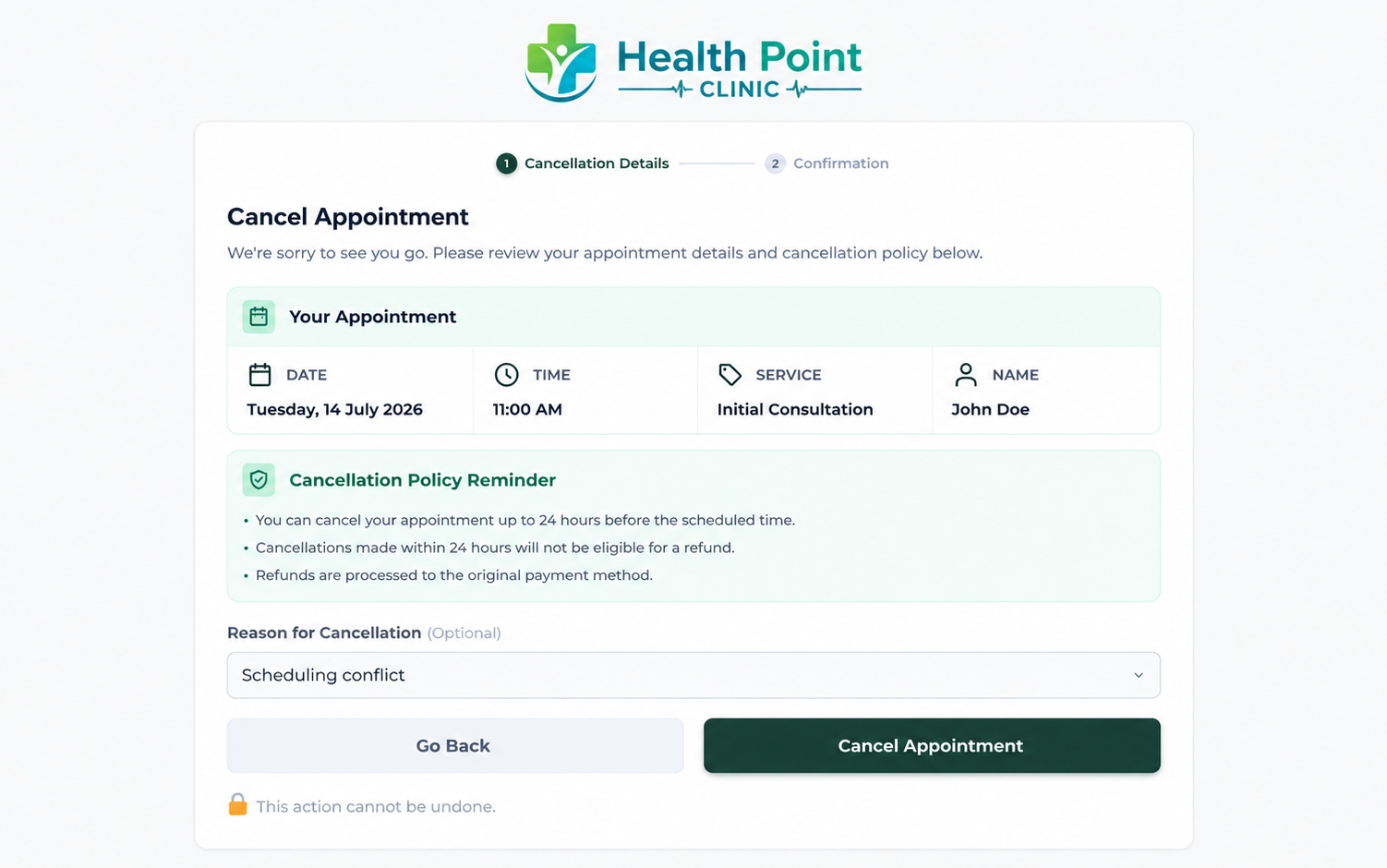
Let customers cancel appointments.
Pro
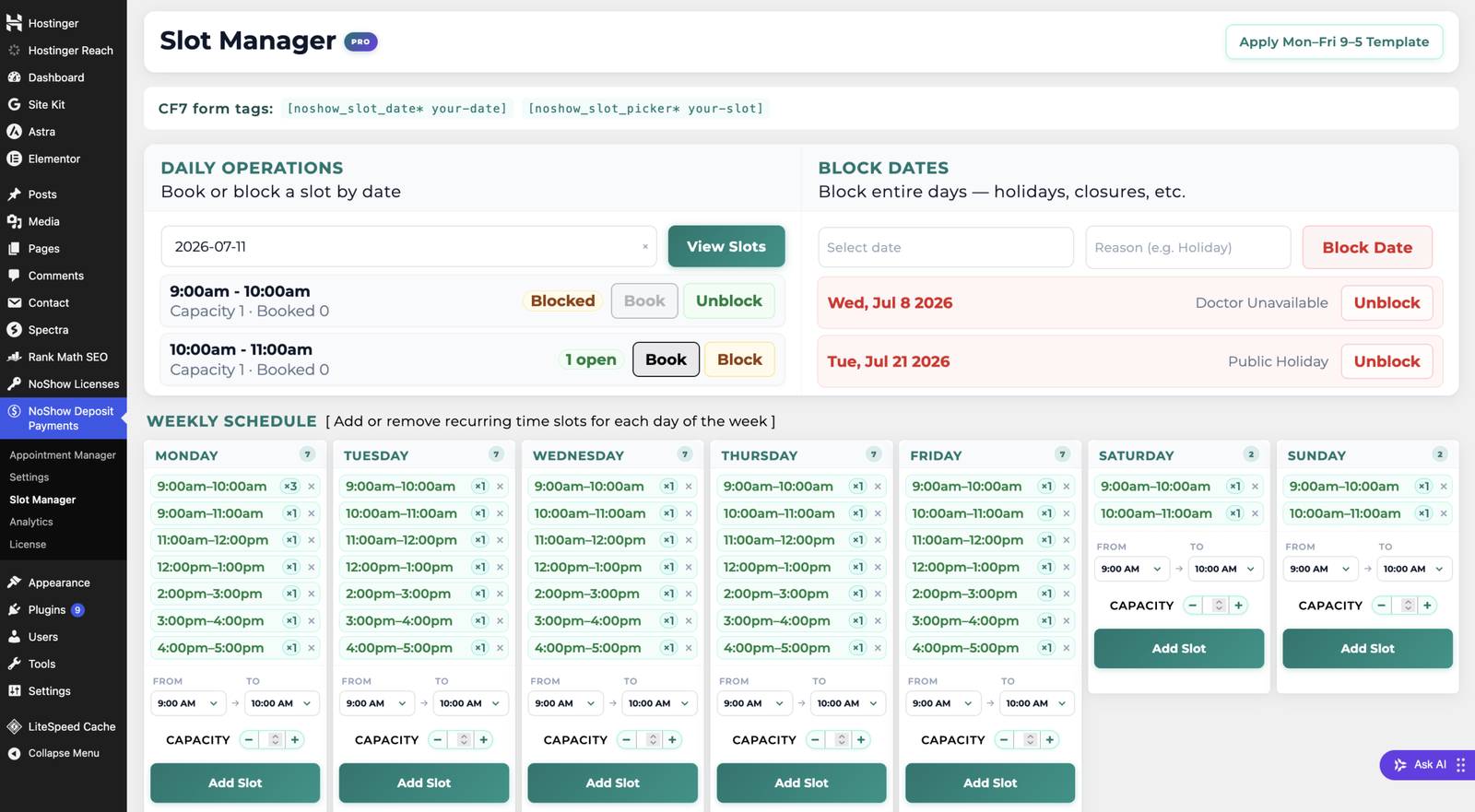
Control when customers can book, limit per slot booking capacity, block hours & dates when you’re unavailable.
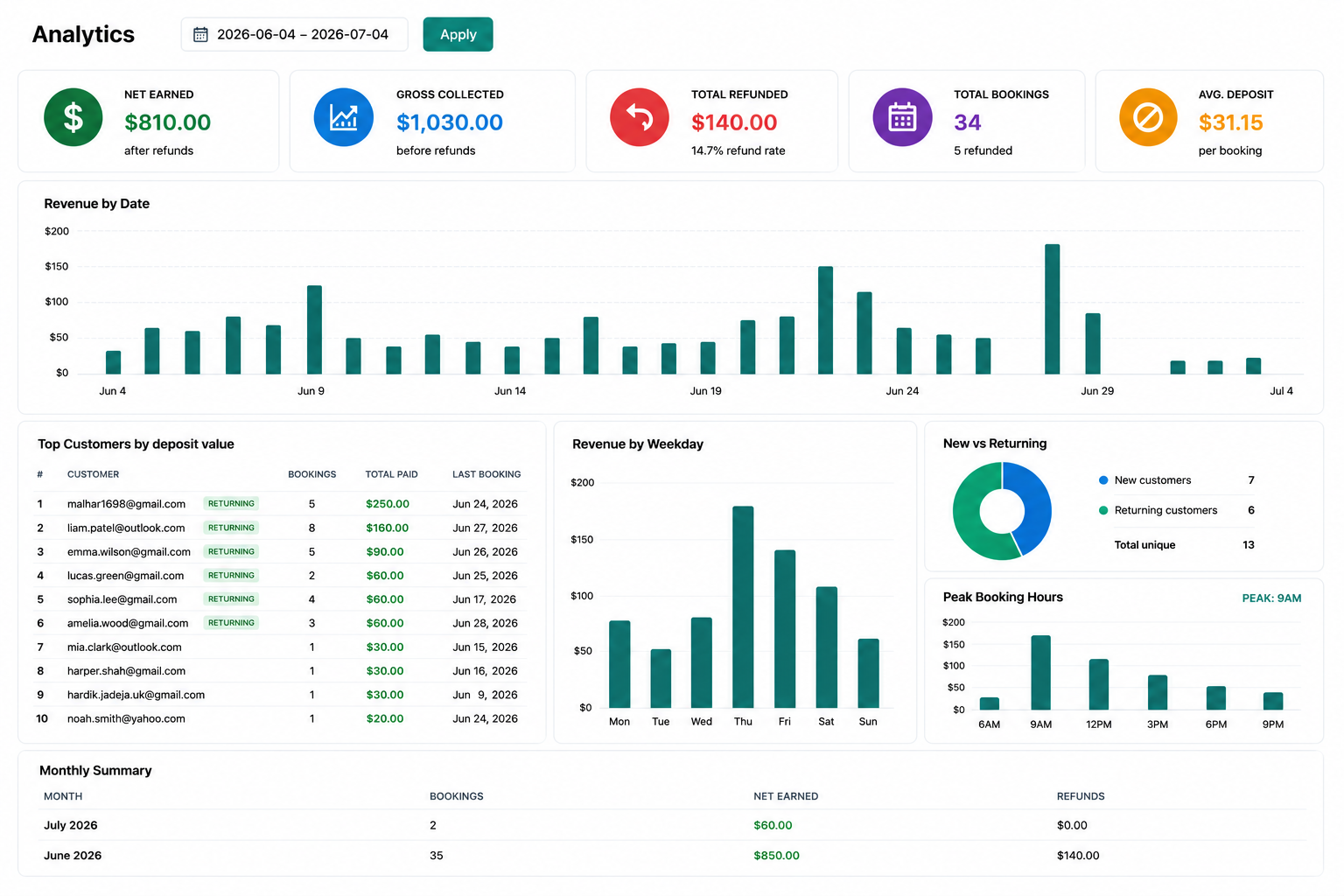
Understand revenue, booking patterns and customer trends.
No. NoShowPlugin works with your existing Contact Form 7 forms, so you can keep using the forms you already have.
Yes. Control when customers can book your time, block dates and times when you’re not available, and limit the number of bookings per time slot.
Yes. Set a deposit percentage of your choice and NoShowPlugin will auto-collect the deposit for you when a customer books.
Yes. Customers can cancel their appointments using the cancellation link included in their appointment confirmation email.
Yes. Set your own refund rules, and NoShowPlugin will automatically determine whether a cancelled appointment is eligible for a refund.
Yes, customers will automatically receive appointment confirmations, reminders, cancellation updates, and refund notifications.
No. Customer payment information is handled securely by Stripe and is never stored by NoShowPlugin.
No. NoShowPlugin is designed specifically for Contact Form 7.